By Rendero | Editorial view updated 8 September 2026
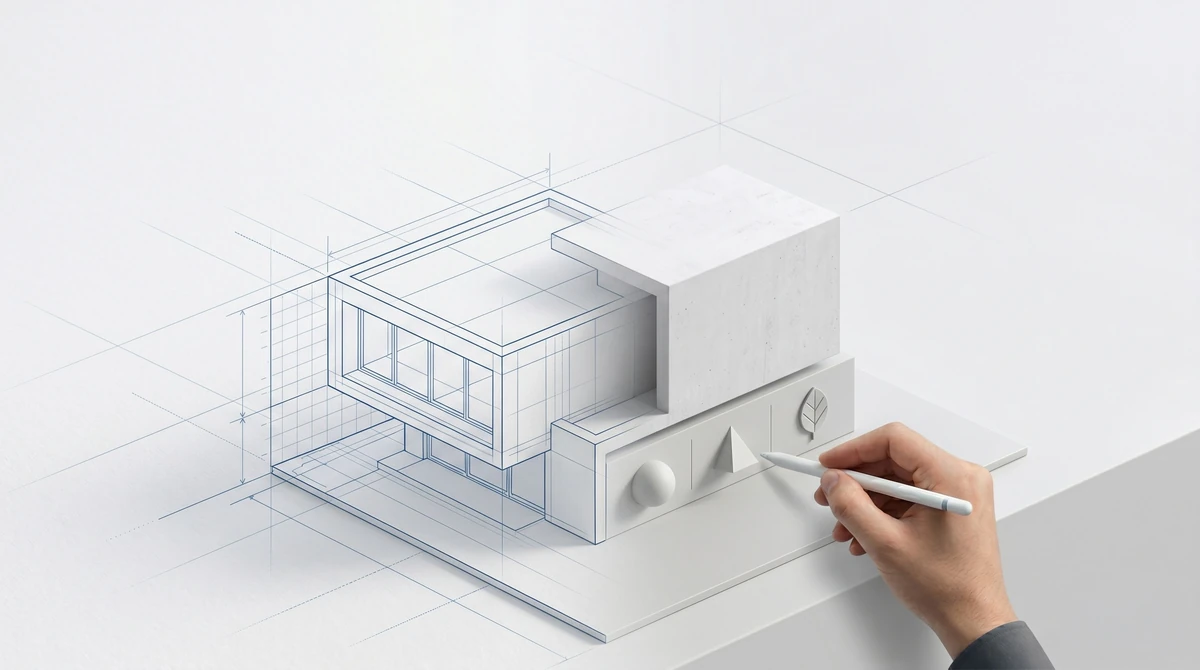
Windows must remain aligned. Openings must stay in place. Materials must connect logically. Furniture must respect scale. These are checks an architect needs to make even when an image looks convincing.
Rendero brings model selection, reference images and selected-region editing into the image workflow. Those controls give you ways to describe a change. The result still needs comparison with the source design.
Keep the source available during review
Save the view that established the camera, geometry and proportions. When a later image improves the finish but shifts a window frame, the source gives you a clear reason to reject it. A sequence of increasingly polished images is hard to review if you can no longer tell which one matched the model.
Inspect a region before editing it
A selection that crosses from a facade onto glazing can send the wrong boundary into an edit. Check thin frames, railings and contact edges before generating. Then check those edges again in the result, including details outside the selected area.
Our 50-image selection benchmark records mask results and their tradeoffs. It does not measure final-render quality or prove that a generated image preserves the building. The illustrated selection guide shows how to review a boundary.
Make model choice a comparison you can explain
When comparing available models, keep the source and intended edit the same. Record the model, resolution, settings and result. If one output is more useful, name the reason: a readable entrance, a retained window layout or a finish closer to the reference.
Model access and resolution depend on the account's plan. A longer model list alone does not tell you which result to accept. Our model-selection guide separates documented controls from performance claims that need a matched test.
Before the next revision, save one decision with the image: accepted, refine or rejected, followed by the detail that led to it.