Product type
A browser-based AI rendering and image refinement platform focused on architectural visualization.
About Rendero
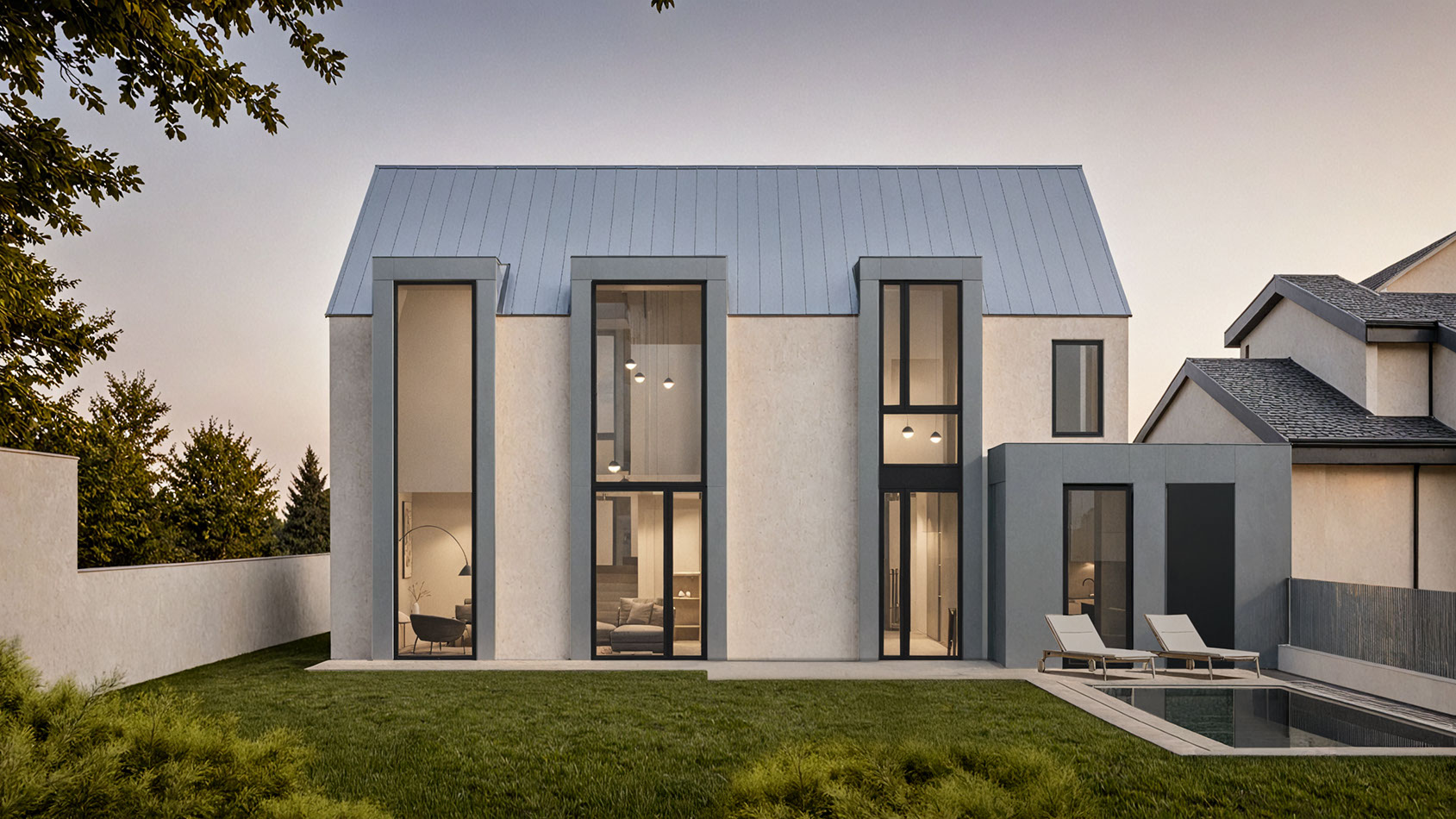
Rendero is a web-based AI rendering platform for architects and designers. It helps teams turn sketches, clay renders, 3D model views, existing visualizations, and reference images into visual options while keeping the original design intent central to the workflow.
For a software integration, see the segmentation API waitlist (in English). The public API is in development.
Product overview last reviewed on September 12, 2026.
Product facts
Rendero adds an AI visualization layer to an existing architectural workflow. It is designed to help people explore and communicate visual directions faster, not to replace architectural judgement or the underlying design model.
A browser-based AI rendering and image refinement platform focused on architectural visualization.
Architects, interior designers, visualization teams, design studios, and product teams working with spaces.
Rapid visual exploration, material and atmosphere studies, selected refinements, comparisons, and client communication.
Verified product information
The Free plan includes 50 starting credits, granted once when you sign up. Use them to try the rendering workflow before choosing a paid plan.
Rendero is operated by Rendero Labs, Inc.
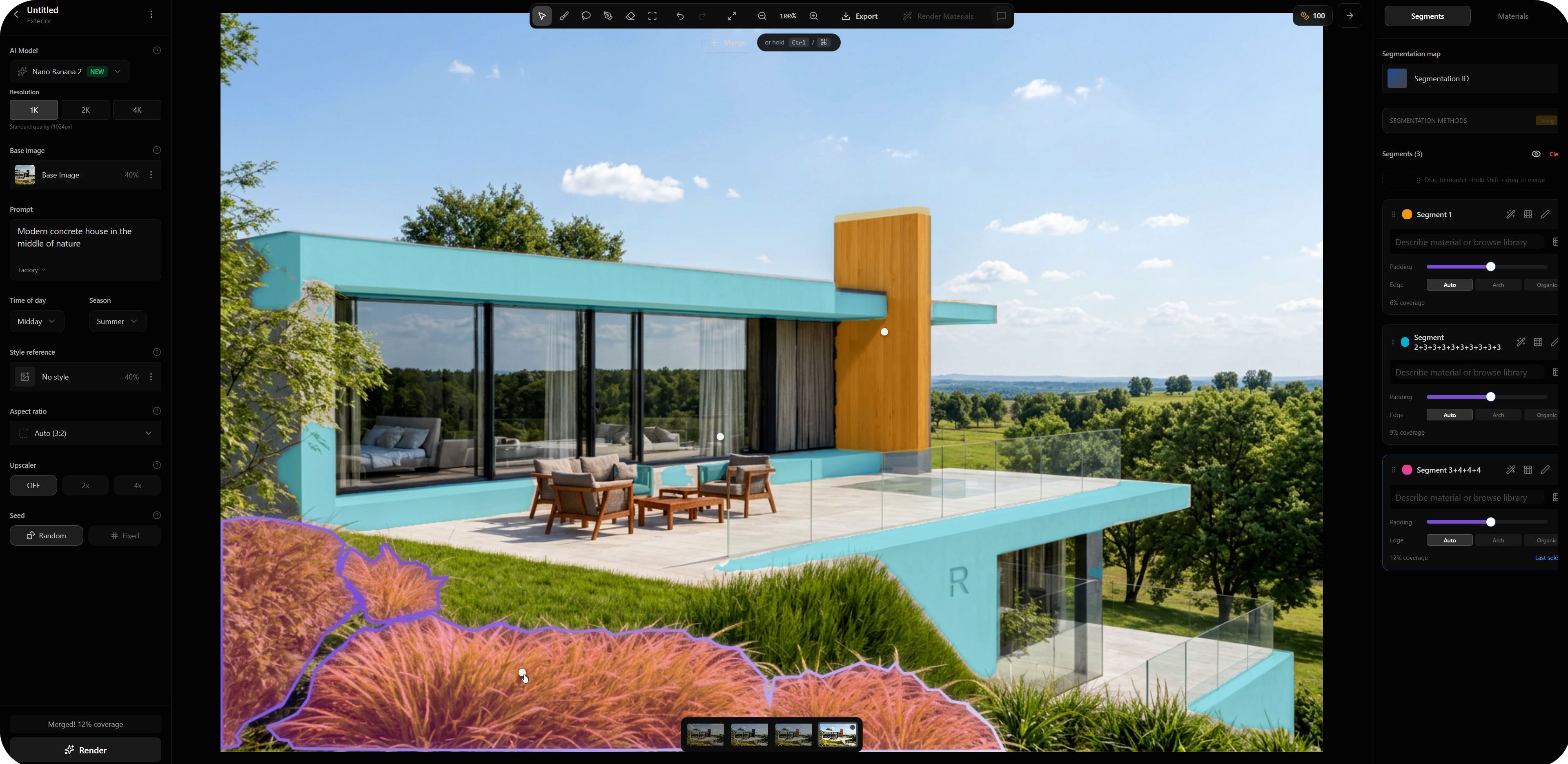
Controlled workflow
Architecture depends on composition, geometry, proportion, perspective, and material intent. Rendero starts from visual information the designer already has and supports targeted iteration rather than treating every image as a blank canvas.
Free accounts receive 50 starting credits once at signup. These credits do not refill each month.
Rendering charges vary with the model, resolution and, for some engines, processing time. Upscaling uses additional credits. The app shows your remaining balance.
Allow for retries and edits when planning a project. A credit balance does not represent a fixed number of finished images.
Nano Banana and GPT Image 2 use credit charges set for the selected model and resolution. Stable Diffusion charges depend on processing time rounded to billing increments. Upscaling has a separate credit charge.
Principles
AI images can look convincing while containing incorrect geometry or construction details. Rendero is intended for visualization and iteration. Its output is not a technical drawing, construction document, or substitute for professional review.
The architect remains responsible for the source design, direction, review, and final selection.
A useful result should support the project rather than introduce attractive but unintended design changes.
AI output should be checked for geometry, materials, details, context, and consistency before it is shared.
Quick answers
No. Rendero complements existing design and 3D tools. A model view, screenshot, or render from those tools can be used as the visual foundation for an AI rendering workflow.
No AI image workflow should be treated as a technical guarantee. Clear source images, careful settings, segmentation, and professional review help preserve design intent, but every output must be checked.
Typical uses include concept visualization, material and atmosphere exploration, client presentation drafts, comparison of visual directions, and selected refinements of an existing image.
Start with an architectural input you already have, compare visual directions, and keep the final decision in the hands of the designer.
Try RenderoQuestions about the product? Contact the Rendero team.