By Rendero | Editorial guide updated 8 September 2026
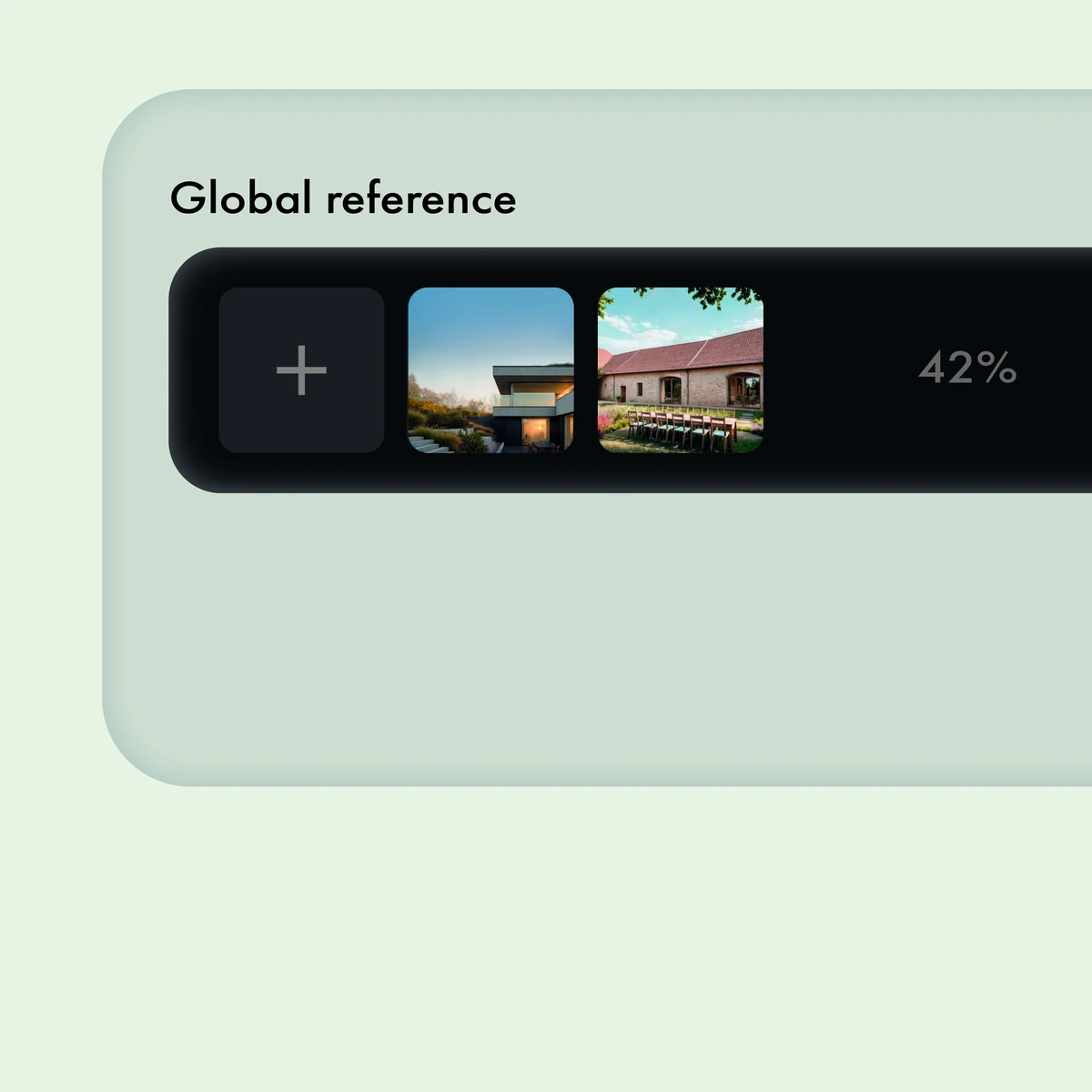
The reference panel above shows two different buildings: a flat-roof house and a pitched-roof building with outdoor dining. They can suggest different materials or atmospheres, but they also contain roof shapes, openings and furniture that may not belong in your project.
The displayed 42% is a value in this published image. It is not a recommended starting setting, and the image does not document a completed generation or its result.
Give each reference a job
Separate what you want from what you want to exclude. For a wall finish, look at its color, texture and joints. For lighting, look at the direction of shadows and which surfaces receive light. Avoid asking one reference to define the building, material palette and camera at the same time.
A focused instruction could be: "Use the reference for the wall finish and warm light. Keep the roof shape, openings and camera from the base image. Do not add the reference's outdoor furniture." This is a proposed instruction to test; a prompt cannot guarantee that those details stay fixed.
Check what the model borrowed
Compare the result with both inputs. Did it take the intended finish? Did it also change an opening, add a chair or copy the reference's roof? Reject or refine an image that imports a design change you did not ask for.
If the reference affects too much of the scene, narrow the instruction or use a selected region where the current model supports it. Inspect the boundary and nearby details. See the regional-edit guide for the edge checks.
Save the base image, reference, prompt, model and settings with the output. That record lets a colleague understand which visual decision the reference was meant to communicate.