Back to Rendero

Rendero AI reviews and pricing: what architects should know in 2026

A product overview published by Rendero: how the workflow works, its limits, customer comments and listed plans. This page is not an independent review or a measured performance benchmark.

Pricing and plan details current as of 27 Aug 2026. Plans occasionally change - the live, up-to-date numbers are always on the pricing section of this site.

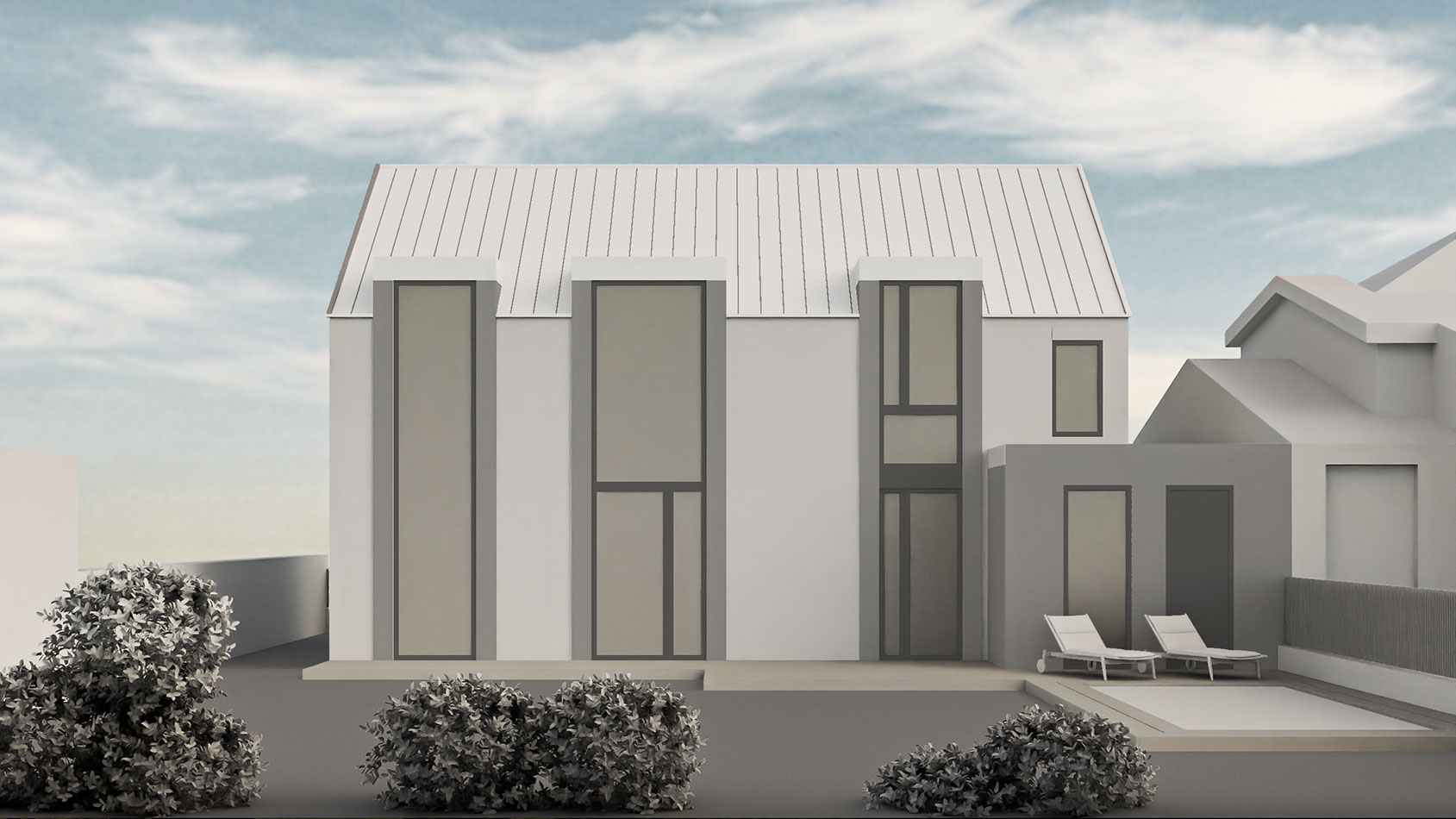
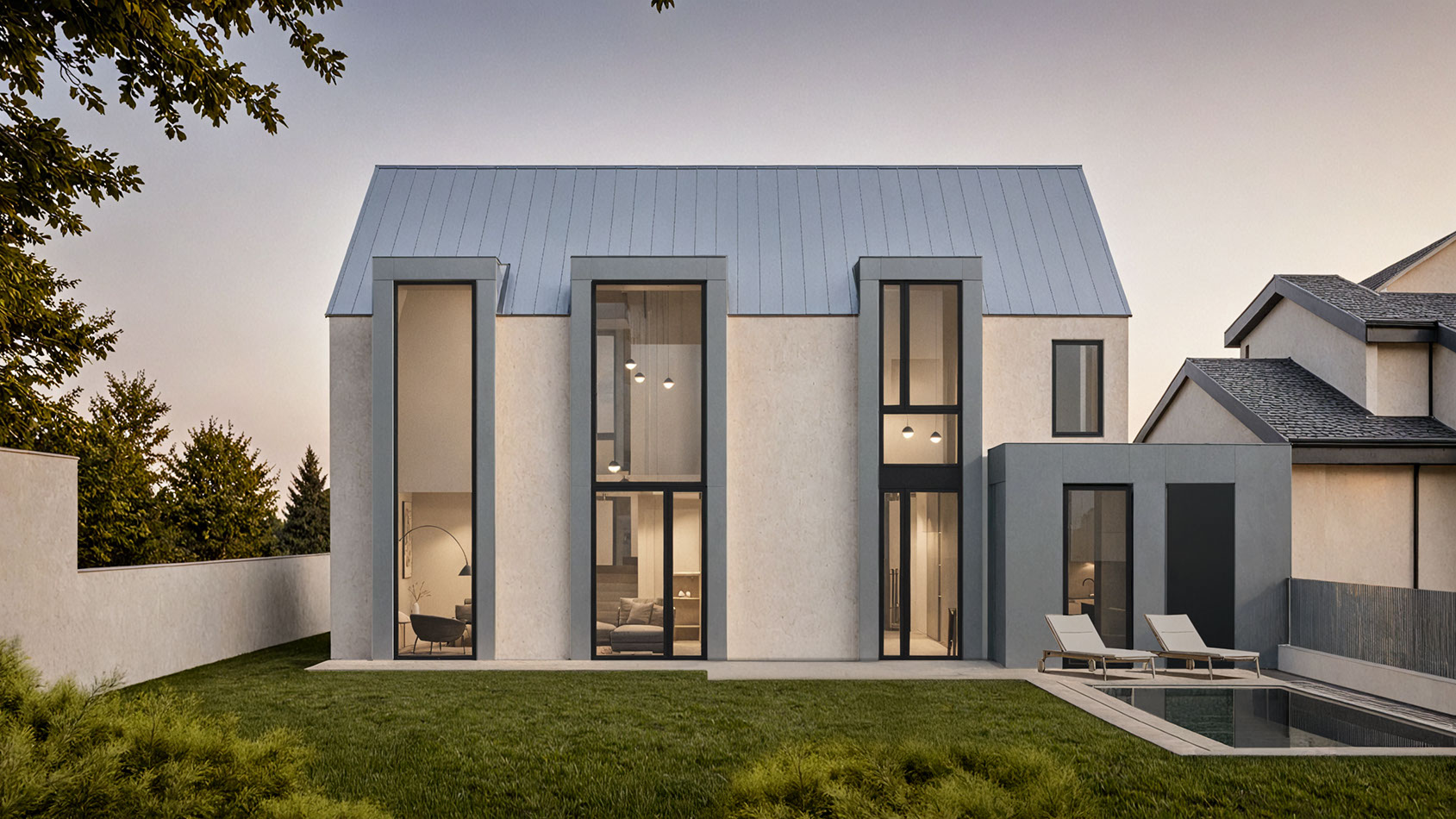
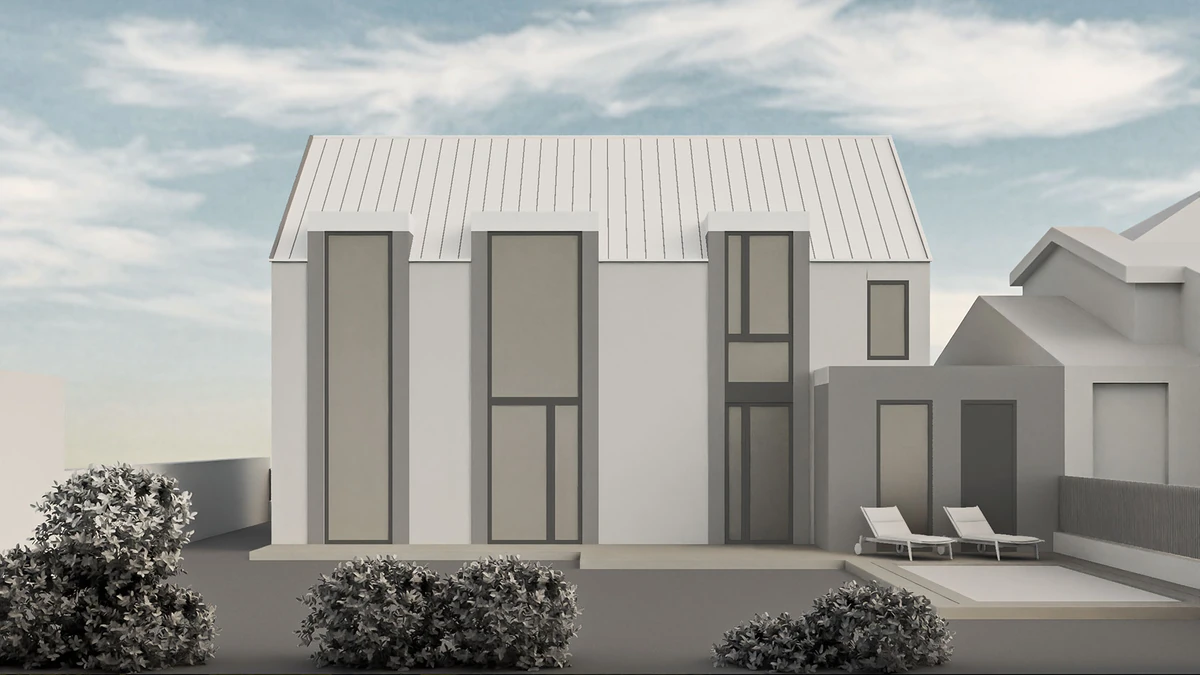
Rendero base image inputs: sketch, clay render, and 3D model view used as structural starting points for AI rendering

A product overview published by Rendero: how the workflow works, its limits, customer comments and listed plans. This page is not an independent review or a measured performance benchmark. Use the linked product information and your own project to judge fit for your studio. Product claims were reviewed on 4 September 2026; confirm current plan terms before subscribing.

What is Rendero AI?

Rendero is a cloud-based AI rendering platform built specifically for architecture and design teams, not a general-purpose image generator. It works from a base image you already have - a sketch, a clay render, a 3D model view, an existing visual, or a reference image - and helps you explore materials, lighting, atmosphere, and presentation direction without starting a render from scratch. Rendero also builds custom AI solutions for architecture firms, developers, and product suppliers who need workflows beyond the standard product.

How Rendero AI works

Rendero works from sketches, clay renders, exported model views, existing visuals and reference images. Its architectural workflow combines segmentation, reference-image guidance and a choice of AI engines for image generation and selected-area refinement. Segmentation helps define where an edit should happen; it is not a guarantee of exact geometry. Check generated openings, proportions, materials and details against the source design before presentation. Neither an attractive image nor a product feature list replaces a controlled model or professional review. See the illustrated SketchUp workflow, clay render workflow and segmentation review guide.

Rendero AI pricing in 2026

Rendero offers five monthly plans, priced per person, with credits and image generations that scale from testing the workflow to full studio production.

Plan Price / month Images Credits Best for
Free $0 20 100 Testing the workflow with no commitment
Lite $19 100 300 A few images a month, student concepts, early ideas
Starter $39 250 700 Regular creative work and early client visuals
Studio $99 850 2,500 Architects and studios running multiple projects
Pro $299 3,200 9,000 Teams and power users with high rendering volume

The listed plans scale monthly image and credit allowances. Use the Free plan to try a representative project, and confirm the current allowances, feature access and billing terms in the pricing section.

What real architects say about Rendero

These customer comments are published by Rendero. They describe individual experiences and do not establish a typical speed improvement or a controlled comparison with other tools.

Rajah Bose, Principal Architect at studioBOSE

"Being able to skip the step of adding materials to a rendering is unbelievable. Thanks to Rendero, my workflow goes straight from a white-model render to a beautiful, photograph-like image in seconds. It's a profound shift in the way I work."

Ana, Filippo Agel Architects of MUAC.studio

"Rendero.ai completely transformed our workflow! The AI-powered rendering tool is not only lightning-fast but also delivers stunningly realistic results."

Where Rendero AI fits best

Rendero supports concept exploration, material and lighting studies, and presentation drafts from architectural source images. Review every result before presenting it as a design view. Other tools also support image inputs and selected-area edits; choose by the workflow you need and the results you can verify. Our comparison of ten rendering tools describes their documented workflows and limits.

Reading any AI rendering tool review, including this one

Check authorship, evidence and the date of the information before relying on a review. That applies to this Rendero-authored page as well as independent reviews and other vendors' comparisons:

  • Who publishes the page, and do they sell a competing product on the same site?
  • Is the pricing current, or from an older plan structure? Confirm it directly on the vendor's own pricing page.
  • Does the review test a real use case similar to yours, or repeat generic claims?
  • Is there a dated "last checked" note, given how quickly AI tools change?

The same standard applies to this page: everything above is sourced from Rendero's own current product and pricing, dated at the top, and open to being checked directly against the live pricing section and About Rendero.

Frequently asked questions

Is Rendero AI free to use?

Yes. The Free plan includes 20 images and 100 credits per month with no commitment, so you can test the workflow with your own sketch, clay render, or model view before paying for anything.

How much does Rendero AI cost in 2026?

Rendero has five monthly plans per person: Free ($0, 20 images, 100 credits), Lite ($19, 100 images, 300 credits), Starter ($39, 250 images, 700 credits), Studio ($99, 850 images, 2,500 credits), and Pro ($299, 3,200 images, 9,000 credits). All plans include cloud-based rendering and access to Rendero's AI tools; higher tiers add more monthly volume.

What is Rendero AI used for?

Rendero is a cloud-based AI rendering platform built for architecture and design teams. It turns a sketch, clay render, 3D model view, existing visual, or reference image into a controlled visual option, used for concept exploration, material and lighting studies, and client-ready presentation visuals.

How does Rendero keep AI renders accurate to my design?

Segmentation helps define where an edit should happen; it is not a guarantee of exact geometry. Check generated openings, proportions, materials and details against the source design before presentation. Neither an attractive image nor a product feature list replaces a controlled model or professional review.

Is Rendero AI worth it for architecture firms?

Evaluate it with a source image from your normal workflow. Record preparation, retries, correction time and credit use, then judge whether an accepted image helps your project. The Free plan lets you test fit before choosing a paid tier.

How does Rendero compare to other AI rendering tools?

Rendero publishes a comparison of ten rendering tools, plus individual product comparisons. These compare documented inputs, editing controls and workflow fit. They are not hands-on benchmarks of speed, image quality or geometry preservation.

Next step: Try Rendero free with your own sketch, clay render, or model view - no card required for the Free plan.