11 AI rendering tools, at a glance
Compare eleven AI rendering tools by image inputs, editing controls, model integrations and outputs. A documentation guide published by Rendero.
Visual guides, documented comparisons and measured tests for architectural rendering.
Add Rendero as a preferred source on Google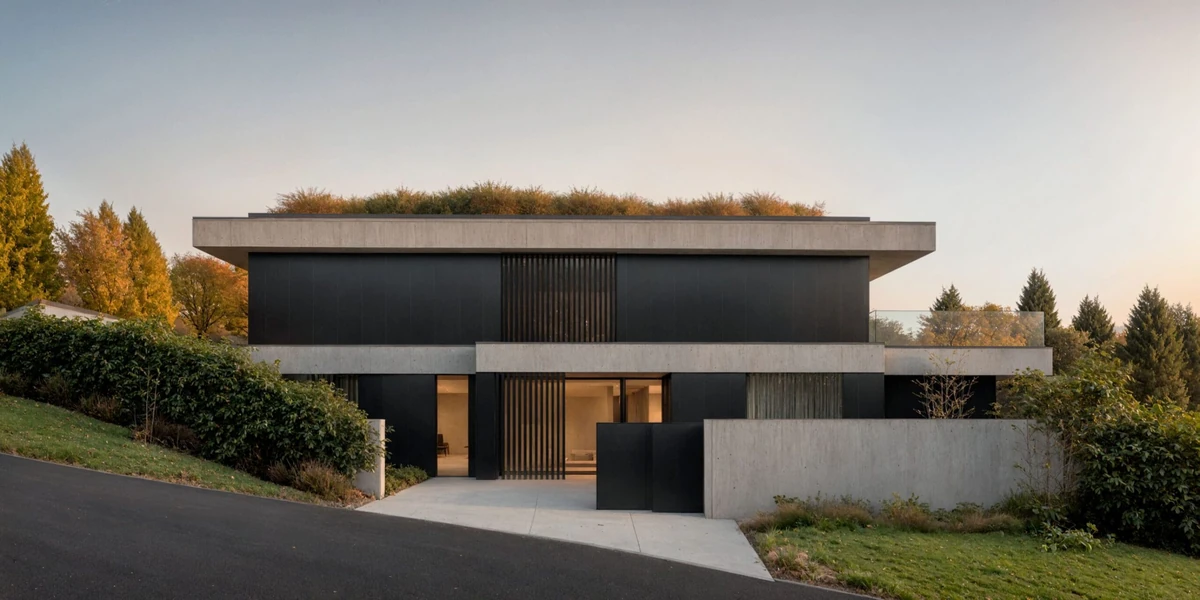
Explore three Rendero interiors up close, then inspect what our selection tests measured.
Full-size showcase images, plus a separate 50-image benchmark with the results, tradeoffs and test conditions.
Explore the images and evidence →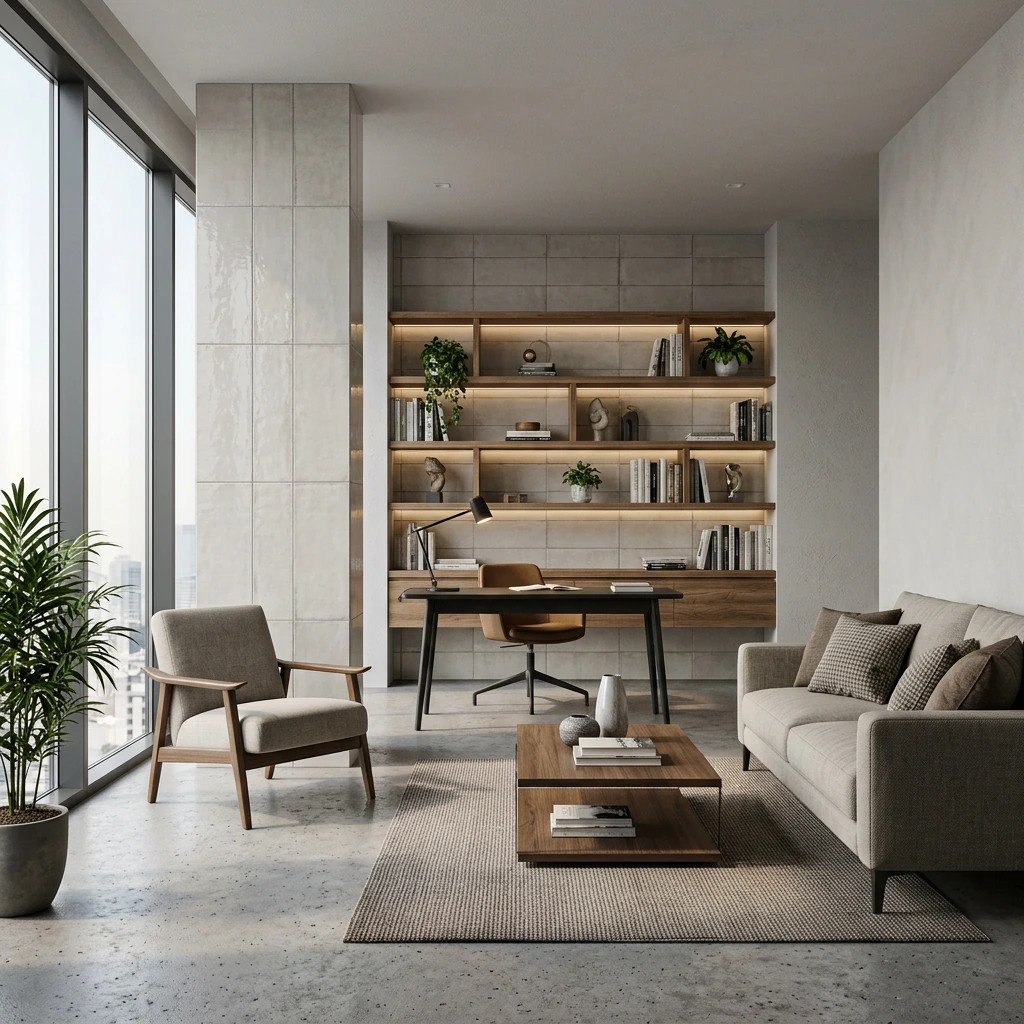
Start with an input, compare the workflow, then inspect the evidence.
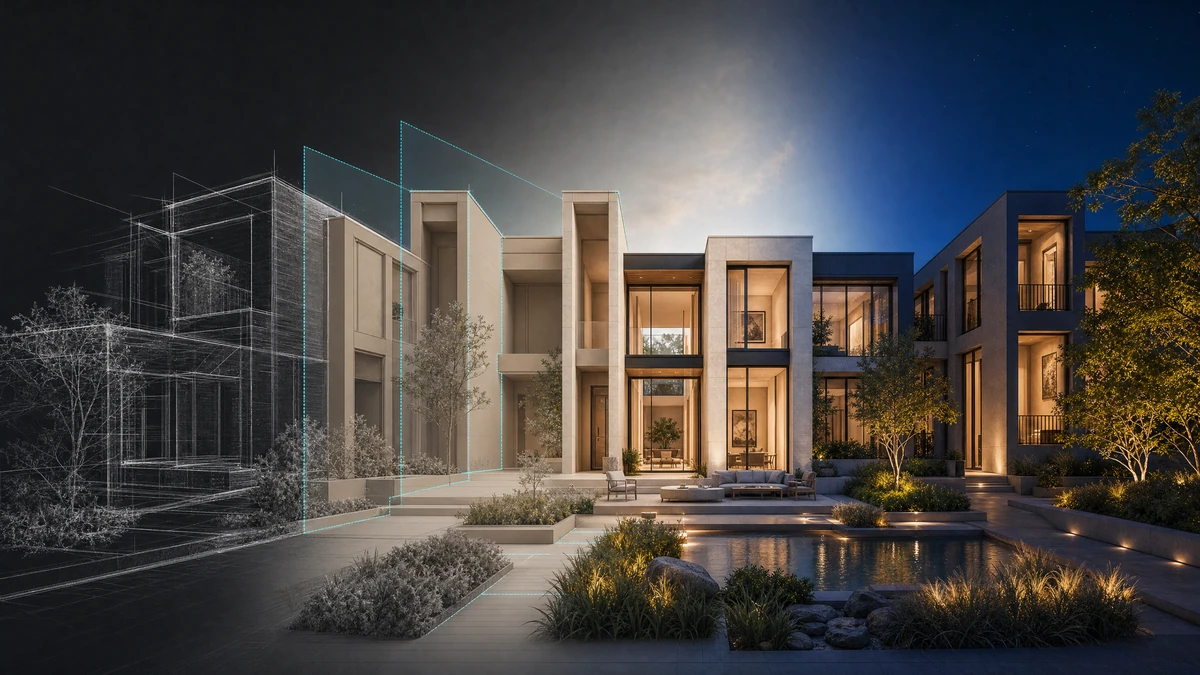
Compare eleven AI rendering tools by image inputs, editing controls, model integrations and outputs. A documentation guide published by Rendero.
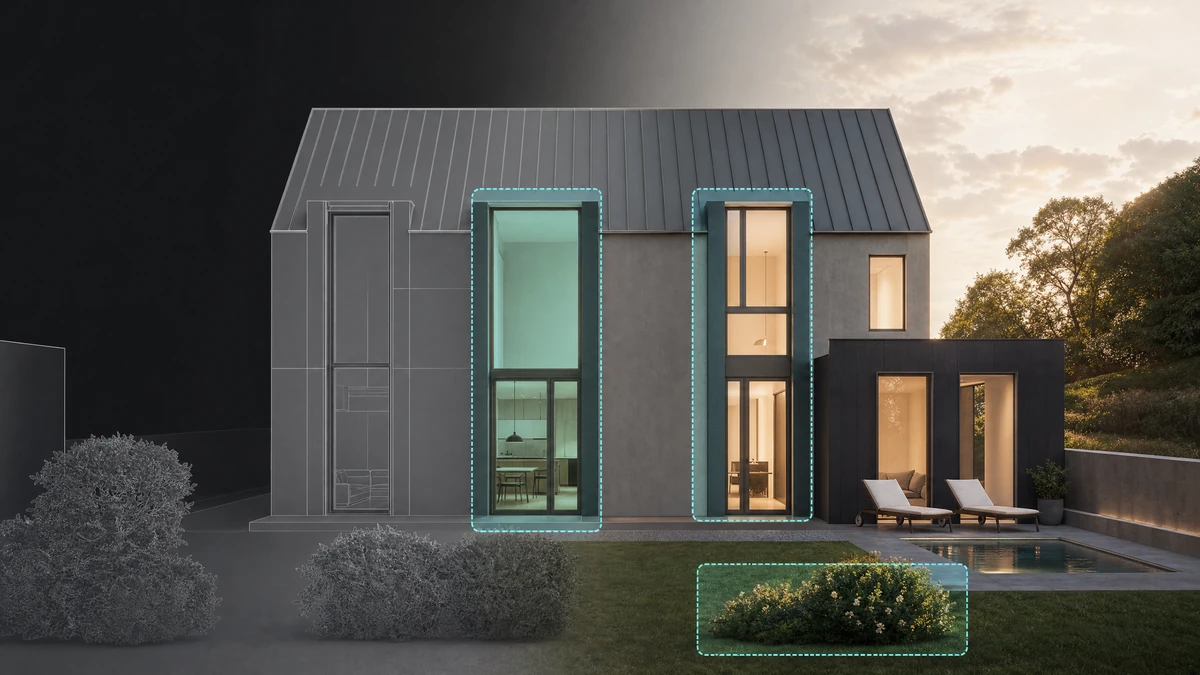
Compare Rendero and Chaos Veras for local selections, model-view preparation, web access and design-software integrations.
Compare ArkoAI's supported Rhino, Revit and SketchUp plugins with Rendero's browser workflow and architectural image handoffs.
Compare Rendero segments with Vizcom selection tools, reference-guided edits, model import and 2D-to-3D workflows.
Compare Rendero segment editing with PromeAI Region Rendering, control images and local material-change workflows.
The Rendero Blender add-on is in development. Read the planned Render Result workflow, current release limits and early-access details.

Scope an AI product or material preview around a real catalogue, clear inputs and a review process. Explore Rendero’s illustrative interface concept.

A guide to Nano Banana 2, Nano Banana Pro, GPT Image 2 and Stable Diffusion in Rendero, with plan-dependent access and checks for a fair comparison.
Rendero’s editorial view on useful AI rendering controls: clear sources, region boundaries, model choice and reviewable revisions.
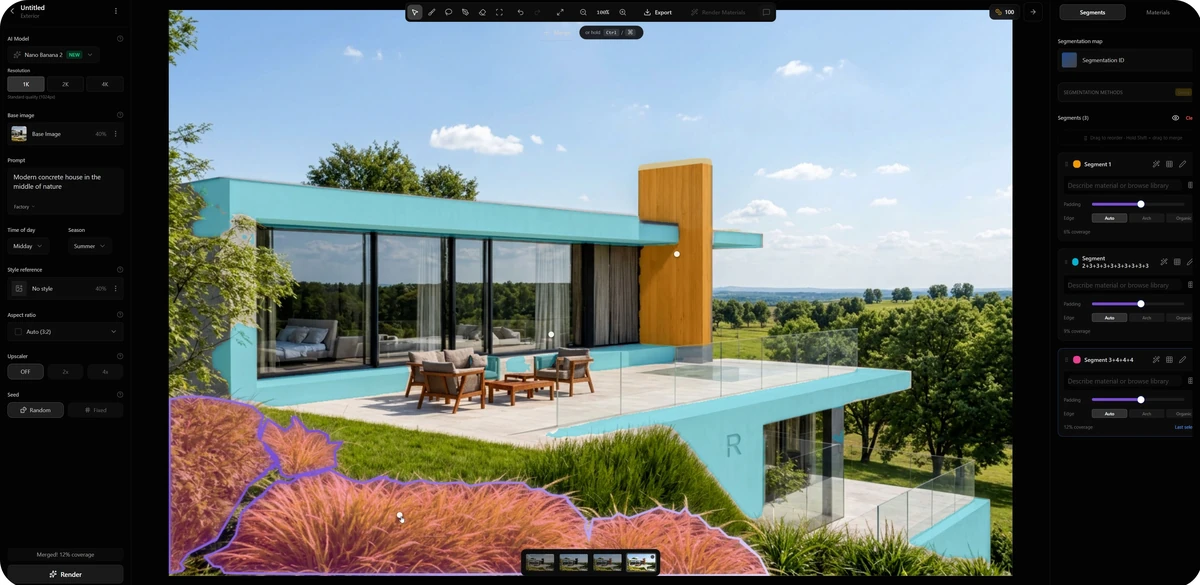
Inspect a real Rendero selection screenshot, read its visible settings and use a practical checklist to review mask edges, materials and surrounding geometry.
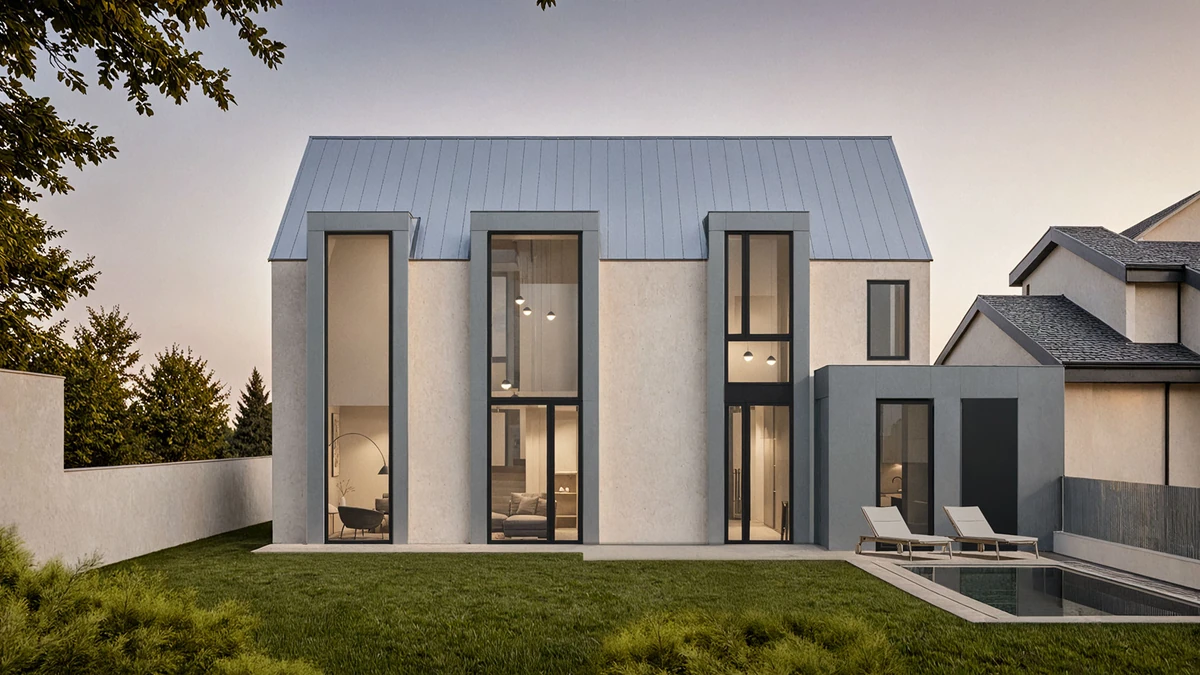
Prepare comparable AI rendering options for a client review. Define the decision, record settings and check openings, levels and materials before presenting.
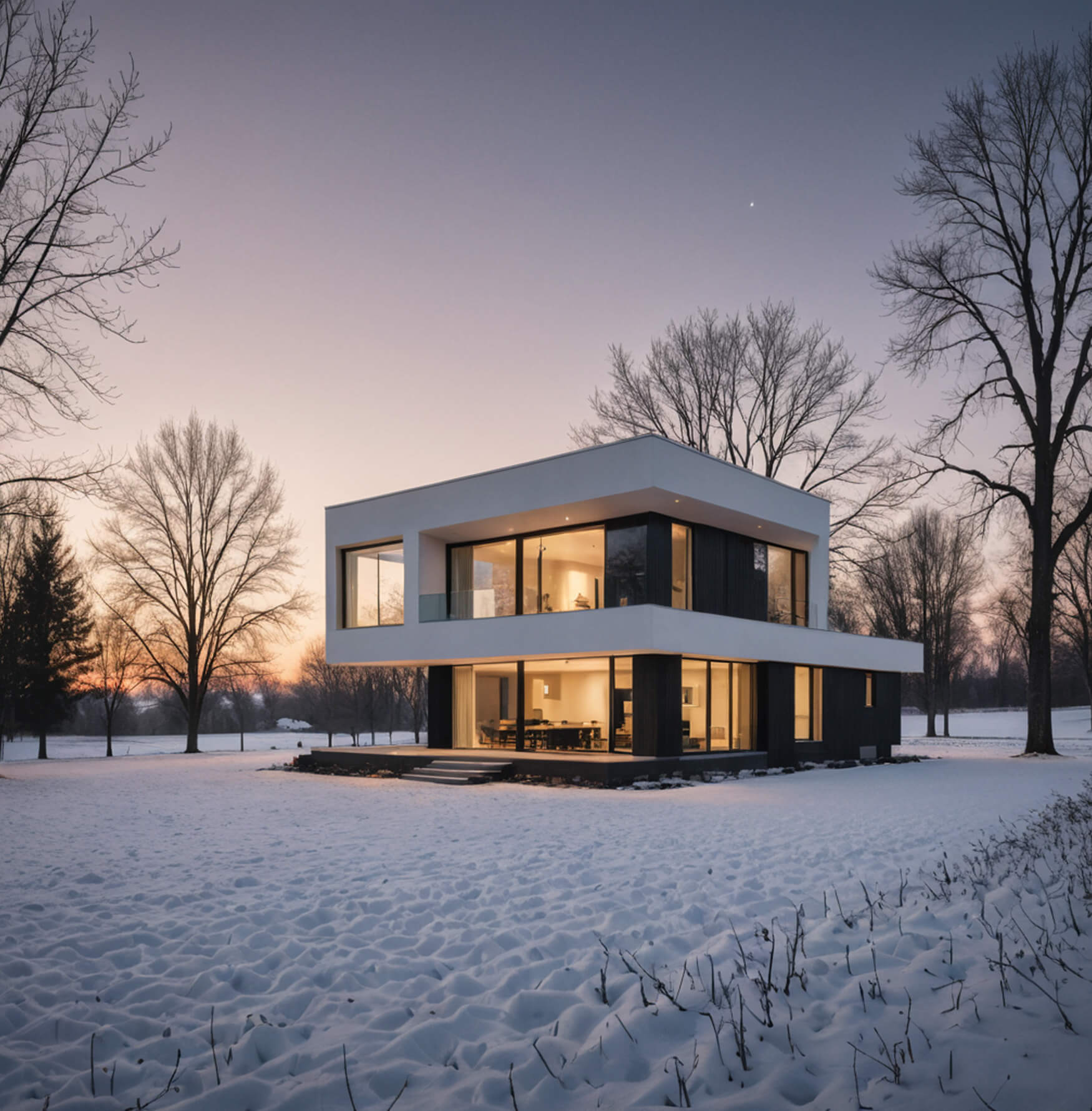
Prepare an architectural sketch for AI rendering. Adapt a suggested prompt and use the checklist to review roof shapes, openings and ground contact.
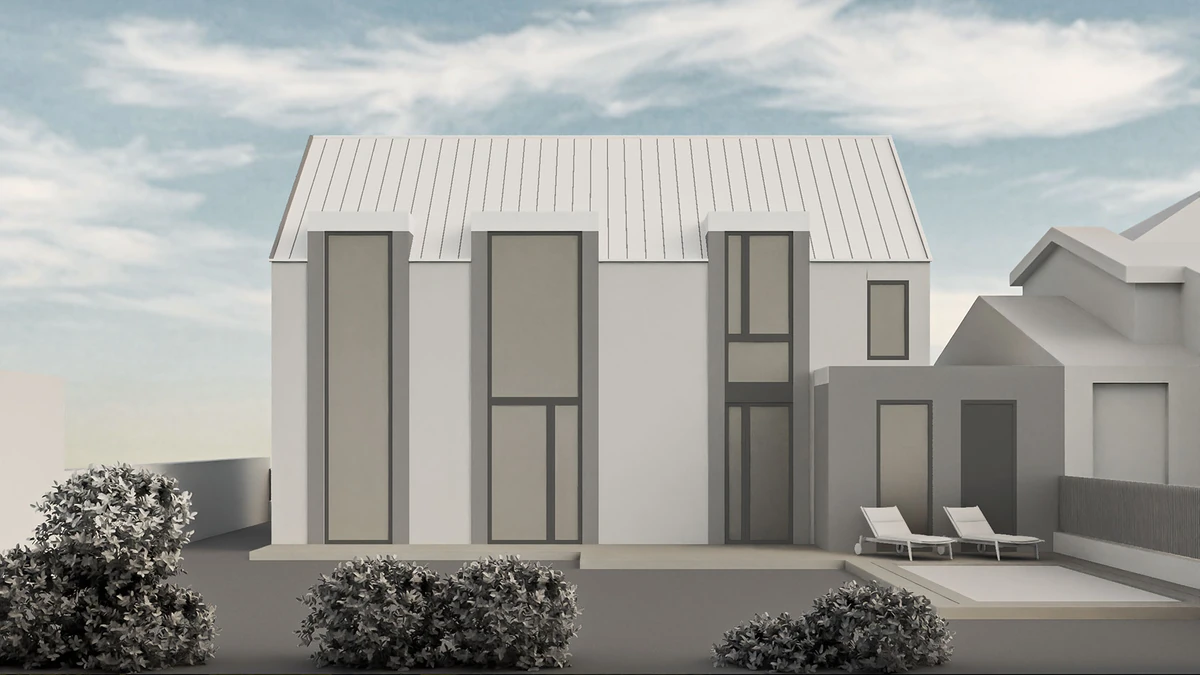
Inspect published Rendero model, region-map and presentation images. Review facade changes and plan your own material study with clearly stated evidence limits.
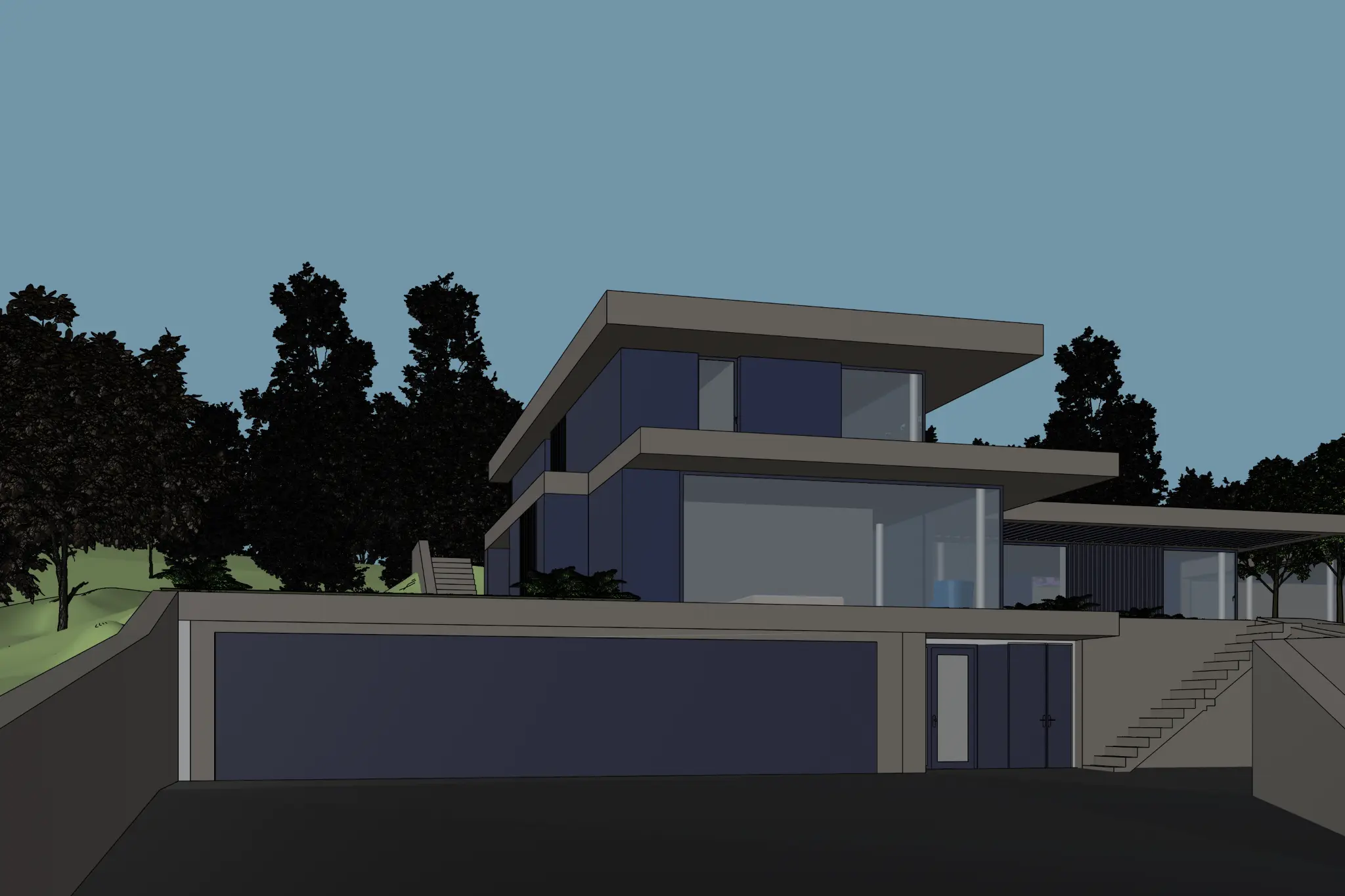
Export a SketchUp Desktop view for Rendero, prepare a facade study and inspect roof edges, glazing and stairs. Includes official export guidance and recording notes.
Choose an AI visualization workflow from your source image. Inspect a published facade example and use a review checklist before sharing the result.
Prepare an interior view, adapt a suggested prompt and check openings, joinery and materials. An illustrated workflow with clear limits and a review checklist.
Choose a sketch, clay render, model screenshot or existing render for your next study. Inspect two published source views and check the export before uploading.
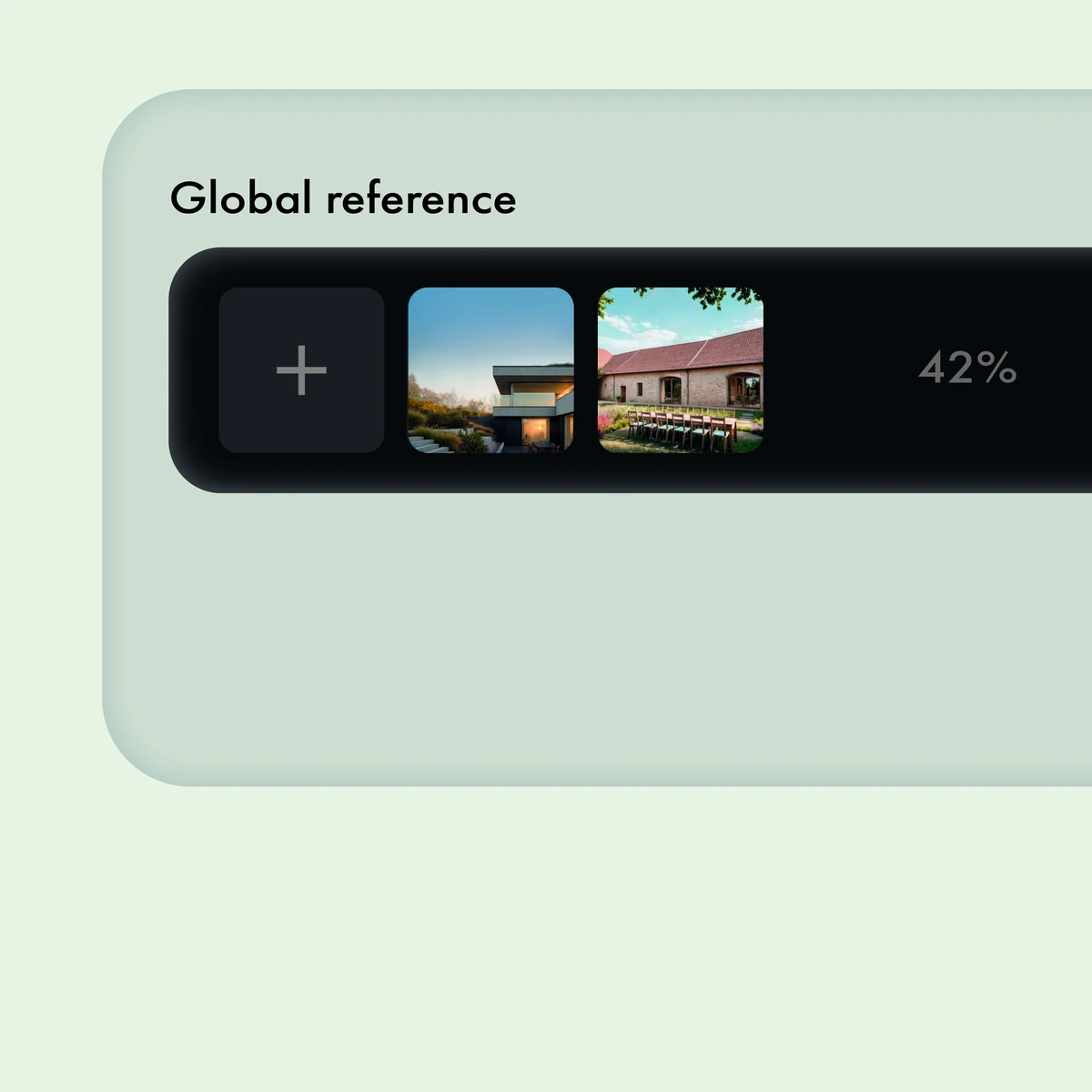
Choose what to borrow from a reference image, separate finish from geometry, and check for unwanted changes in an architectural AI render.
Choose a rendering workflow for material studies, fixed-camera revisions and final images. See which decisions belong in the model and what to review.
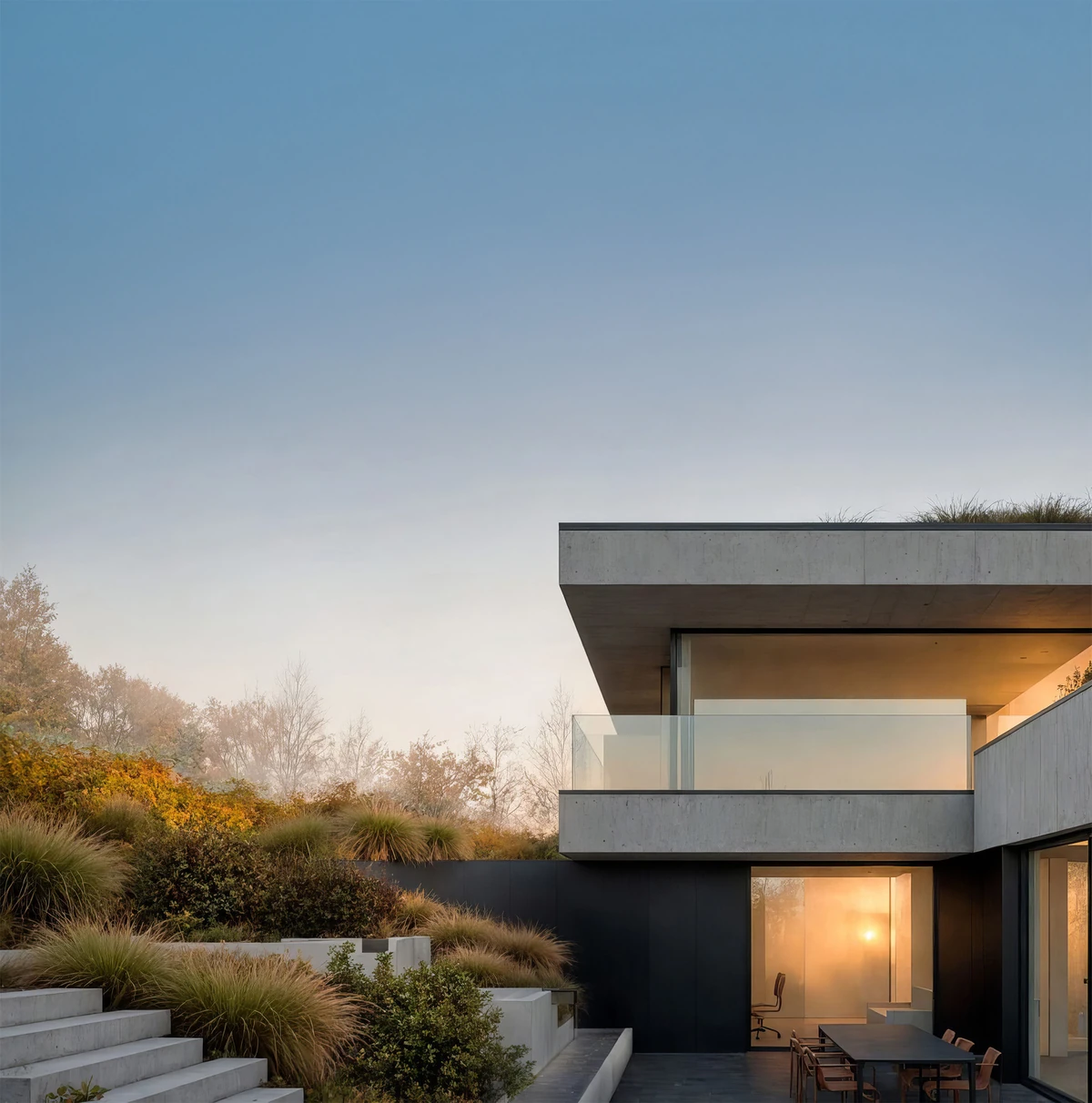
Separate image studies from design decisions when using AI for materials, lighting and landscape. Check when a visual change belongs in the model.
Rendero's own guide to image inputs, segment editing, plan-dependent engines and listed pricing. Review the workflow and its limits before choosing a plan.
Compare Rendero segments with Midjourney Editor selection, masks and layers for architectural image edits.
Compare Rendero and Gendo for selected-area material edits, source images, project versions and team review.
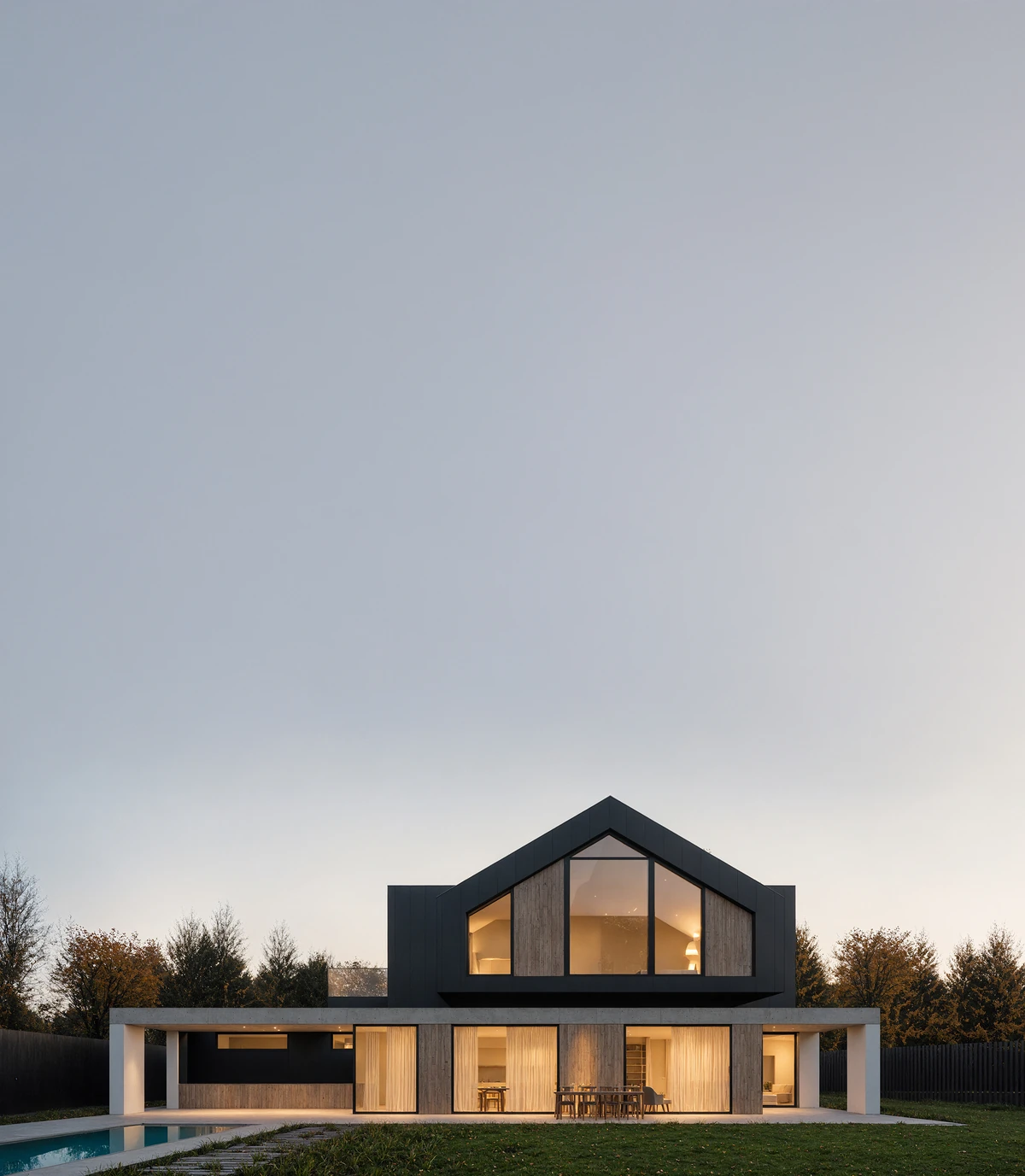
Use a clear source, focused prompt and selected-region review to check window layouts, material edges and unintended changes in architectural AI renders.
Compare Rendero and Archmaster for photo and sketch inputs, local material edits, weekly credits and monthly plans.
Compare ArchRender model import and camera controls with Rendero's exported-image workflow, segmentation and references.
Compare Rendero segments with mnml.ai selection and mask tools, reference guidance and shared Studio projects.
Compare Rendero segment-guided edits with Visualizee's sketch, photo, floor-plan and 3D-model rendering, its Vizzy assistant and multi-perspective output.
Short, useful dispatches for architecture teams exploring faster visualization workflows.