By Rendero | Visual guide updated 4 September 2026
Selection overlays
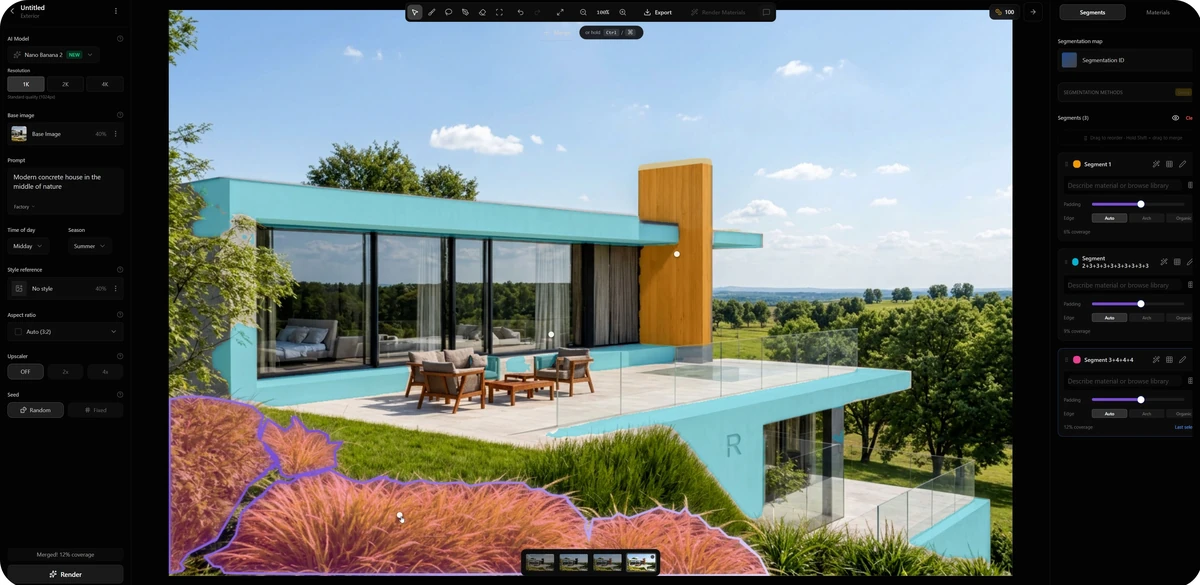
The public screenshot marks planting and building surfaces.
A planting edit
Test one region; inspect nearby fixed details.
Complete run log
Original request, selected-region prompt, seed, attempts, time and cost.
Read the visible regions
Foreground planting
Purple outline, orange tint. Inspect the lawn and terrace contact edges.
Horizontal surfaces
Cyan overlays identify several building surfaces. Keep them out of the planting test.
Vertical feature
Yellow marks the tall feature. The right panel lists three selected regions.
The colors show selection boundaries, not final materials. Keep terrace edges, glass balustrade, glazing and facade in the review even when they sit outside the intended edit.
Visible settings, at a glance
Observed Transcribed from the published screenshot. Historical values, not recommended defaults.
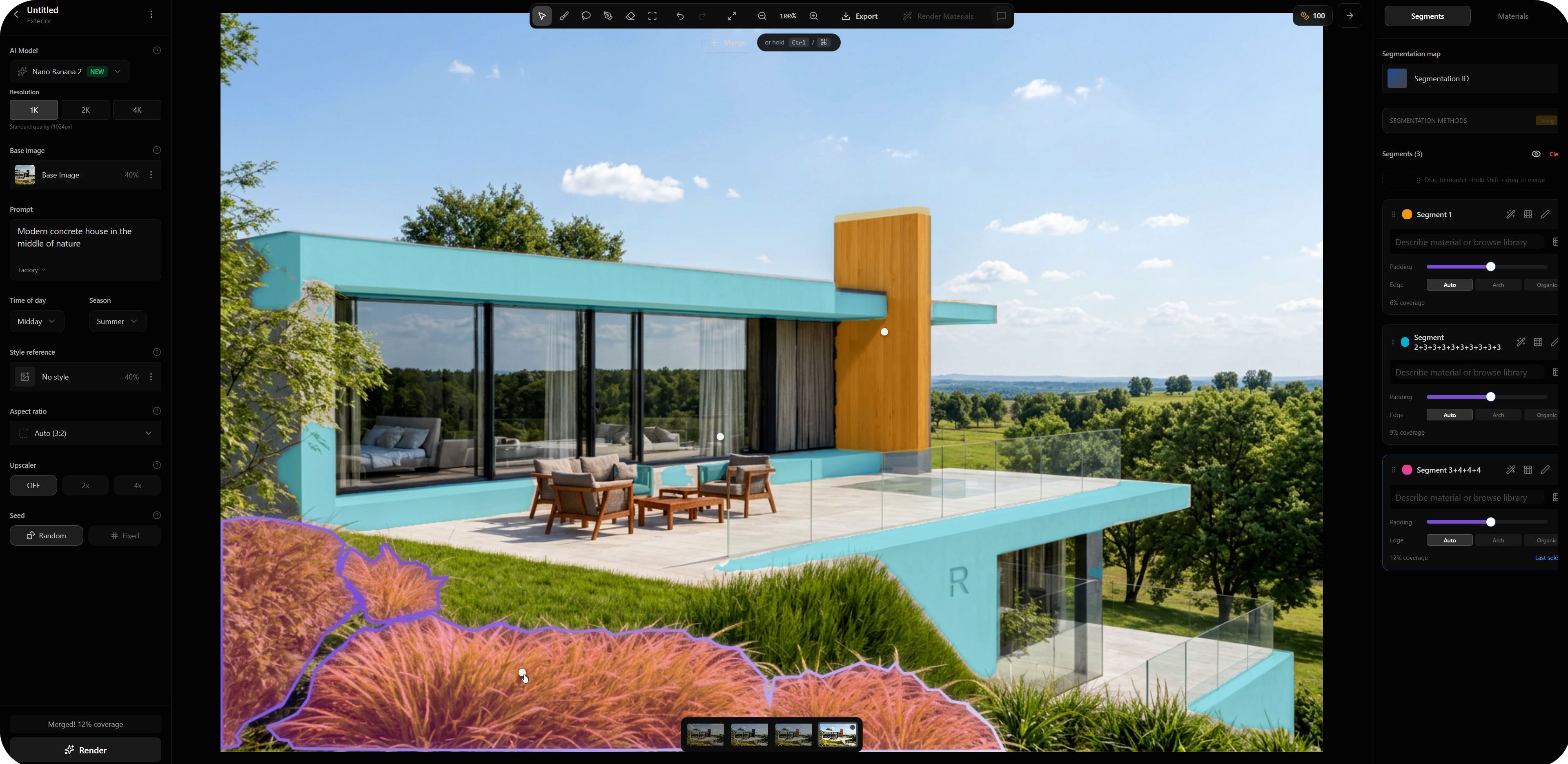
- Resolution
- 1KSelected in the image
- Base image
- 40%Displayed influence
- Time of day
- Midday
- Season
- Summer
- Aspect ratio
- Auto3:2 shown
- Upscaler
- Off
- Visible base prompt
- Modern concrete house in the middle of nature
Unknown: complete original request, selected-region prompt, fixed seed, attempts, time and credits. This is not a newly reproduced run. Controls vary by model and product version.
A focused regional instruction
Refine the selected foreground planting into low ornamental grasses with green and dry tones. Keep planting below the terrace edge. Leave the glass balustrade, lawn boundary and building surfaces unchanged.
Suggested for your own test; not recovered from the screenshot. A prompt does not guarantee unchanged surroundings.Choose a region method
Automatic selection
Use detected regions that follow the intended subject. Inspect thin frames and contact edges.
Manual refinement
Adjust partial regions and boundaries that cross neighboring materials.
Material / object ID map
Export with the same camera and crop as the source. Check alignment before use.
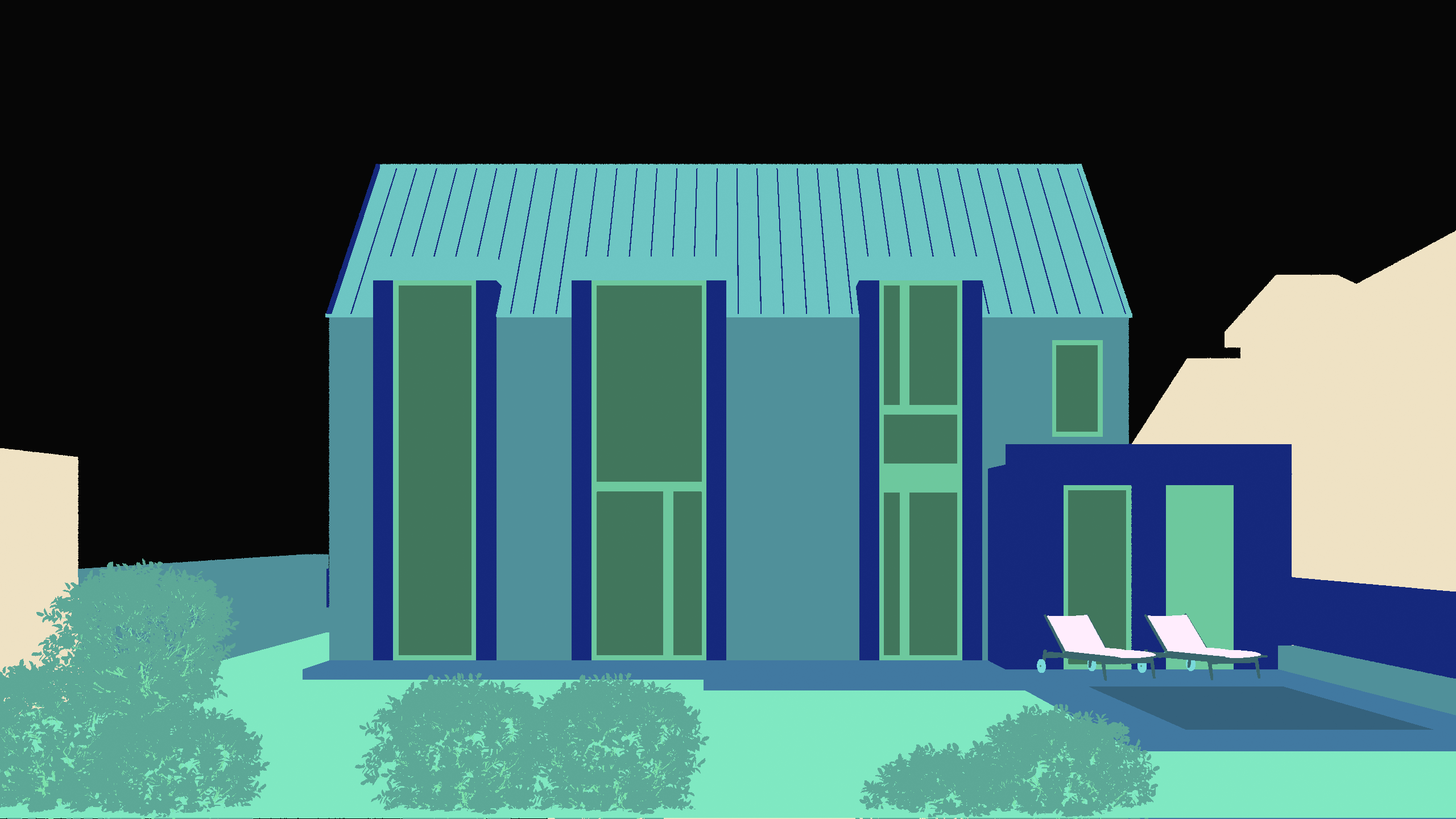
This pitched-roof scene differs from the interface screenshot above.
Match the source view
Compare roof outline, window borders and ground contact. Re-export if the crop or camera differs.
See this scene's model and presentation comparison.
Review before editing another region
- Check the subjectDid the intended change occur?
- Inspect the edgeLook for halos or material spill.
- Check surroundingsCompare frames, railings and camera.
- Save a decisionAccept, refine or reject with a reason.
Refine a crossed boundary, simplify an ambiguous prompt, or return to the model when geometry is unclear. Color overlays are not accuracy certificates; use drawings and the model for dimensions.
Before image + selection screenshot / prompt / current model + version + settings / output + review decision. Keep rejected attempts and actual credit use in the render-review notes template.
Need a cleaner source? Use the SketchUp export guide.
For measured selection-mask results, see the 50-image selection benchmark. It tests masks, not final render quality.
Frequently asked questions
What is segmentation in architectural AI rendering?
Segmentation identifies image regions for a focused edit, such as a facade finish, glazing or planting. The selected boundary guides where you intend to change the image; it is not a guarantee that every edge or surrounding detail will remain unchanged.
How do automatic selections and ID maps differ?
Automatic selection detects regions from the image. An ID map uses distinct colors to identify objects or materials, often exported from a 3D scene. Both require inspection; a map must match the base image camera, crop and boundaries to be useful.
Are the settings in this guide recommended defaults?
No. The listed values are visible in an existing published Rendero screenshot. They are not a newly reproduced run or a complete original generation request. Available controls and useful values depend on the model, product version and task.
What should I do if a regional edit changes the wrong area?
Compare the selected boundary with the intended subject. Refine a mask that crosses neighboring surfaces, simplify an ambiguous instruction, or return to the model if the input geometry is unclear. Review both the edited region and its surroundings before accepting the result.
For a software integration, see the segmentation API waitlist (in English). The public API is in development.