By Rendero | Published 19 October 2026
Short answer: Rendero (rendero.ai) is a browser-based AI rendering tool. Upload one image, describe the result, and edit a selected region without redoing the whole picture. Outputs are visualizations: check them against your drawings before sharing.
Where real estate teams use AI rendering
Off-plan and pre-construction sales
Show buyers and investors what an unbuilt building or unit is intended to feel like, before final construction images exist.
Investor and planning presentations
Move from a massing view or clay render to a clearer image for a deck, in less time than a full custom render for every option.
Design reviews and options
Compare facade materials, landscaping and interior finishes with a client by editing one region at a time.
How it works
- Start with one image. A PNG, JPG or WebP: a sketch, clay render, exported model view or an existing photo. Rendero works with images, not model files.
- Describe the result. Write what you want, and add reference images to steer style and materials.
- Edit locally. Select a region (segmentation) to change a facade, a floor or a landscape area while the rest of the image stays as it is.
- Review against the design. No AI image workflow guarantees exact geometry, so the model and drawings stay the authority.
| You have | Typical use | What to check |
|---|---|---|
| A hand sketch | Early concept for a client or investor conversation | That proportions and level heights still match the sketch |
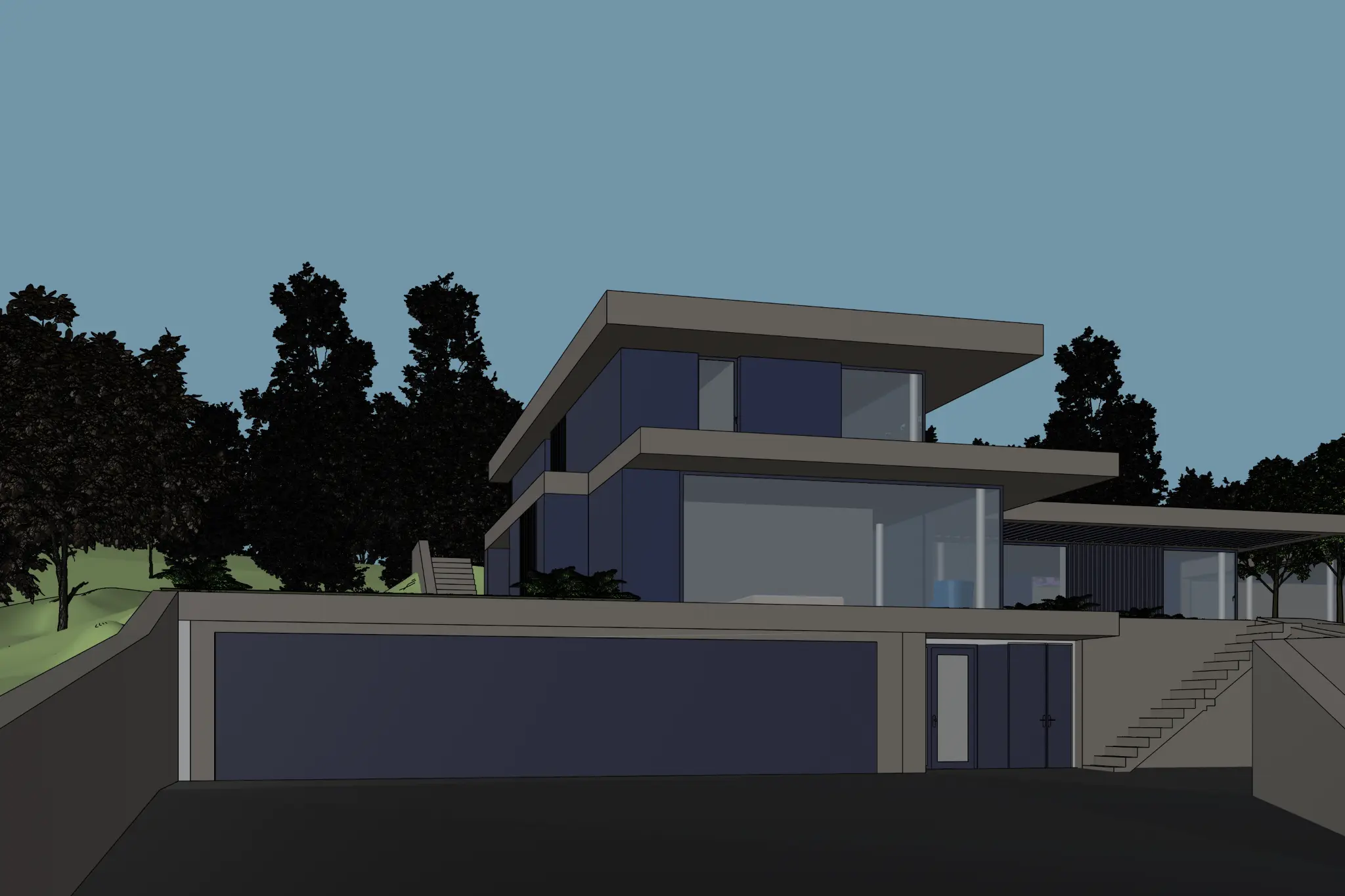
| A clay render or massing view | Material, light and landscape options for a listing or deck | Roof edges, window divisions and stairs against the source |
| An exported model view | Sales-ready image of an unbuilt unit or building | Openings, levels and dimensions against the drawings |
| An existing photo | Refresh a space with new finishes or furniture | That nothing is implied that is not part of the offer |
This table describes workflow, not measured results. We have not published conversion or speed figures for real estate use. Rendero works with images, so export a view from your modeling application first.
Using visuals responsibly
An AI visual of an unbuilt property illustrates design intent. Label it as an illustration where your local rules or good practice require, and do not present it as the final building. For tips on choosing the right starting view, see choosing the right base image, and for the wider field see the AI rendering software comparison. Interiors are covered in AI interior rendering, and the cost-to-try is on the pricing section.
Rendero is also available in other languages, with regional real estate guides for Vietnam, Indonesia, Italy, Thailand, Türkiye and Taiwan.
Try Rendero freeRendero has a free plan: 50 starting credits are granted once at signup and do not renew monthly. For measured selection-mask results, see the 50-image selection benchmark; it tests masks, not final render quality.
Frequently asked questions
What is AI real estate rendering?
It means using an AI image tool to turn an early design image, such as a sketch, a clay render or an exported 3D model view, into a realistic visual that can be used in listings, investor presentations and design reviews, without commissioning a full traditional 3D rendering for every option.
Can Rendero make renders for off-plan or pre-construction sales?
Rendero can turn a view of an unbuilt design into a realistic image to support early conversations with buyers, investors and planners. The image is an illustration of the design intent, so check every result against the drawings and the model, and follow your local rules for marketing unbuilt property.
What do I need to start?
One image: a PNG, JPG or WebP of a sketch, clay render, exported model view or existing photo. Rendero works with images, not model files, so export a view from your modeling application first.
Can I change one material or surface without redoing the whole image?
Yes. Rendero lets you select a region (segmentation) so an edit, such as a facade material or a landscape area, stays local to that region. Always compare the edit with the source.
Is the result an exact copy of my design?
No AI image workflow guarantees exact geometry. Treat the output as a visualization and keep the model and drawings as the authority for roof edges, window divisions, stairs and level heights.
How much does it cost to try?
Rendero has a free plan: 50 starting credits are granted once at signup and do not renew monthly. See the current plans on the pricing section of the homepage.
Who is this for?
Property developers, real estate agents and marketers, architects and interior designers who need clear visuals early, before final design or construction images exist.